


Surveying – Background Maps in Trimble Access and Trimble Business Center
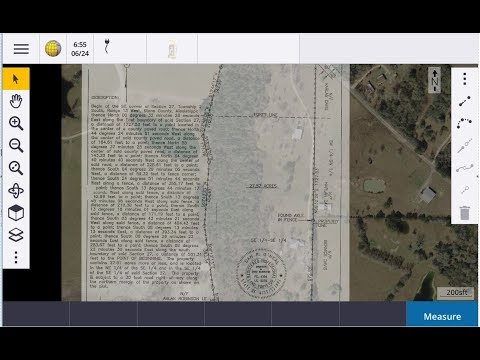
How to load background maps in Trimble Access. Using GeoViewer to load background images in Access and Trimble Business Center. Use Terrain Navigator Pro to load Quad maps in Access […]
Tuesday Tip Using camera lights with the SX10
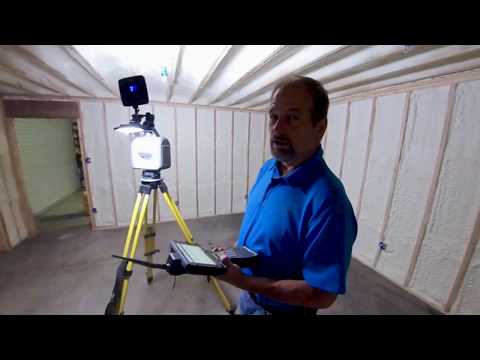
You can’t take photos in the dark! In this video I show you how to use the same camera lights I use for videos to capture pictures for your true […]
Bridge Scan using a SX10 and Sonarmite

Little Video I put together of a demo in Mississippi. We used a sonarmite to create a surface for the bottom of the river and the SX10 to scan the […]
R10 2 GNSS Base and Rover setup
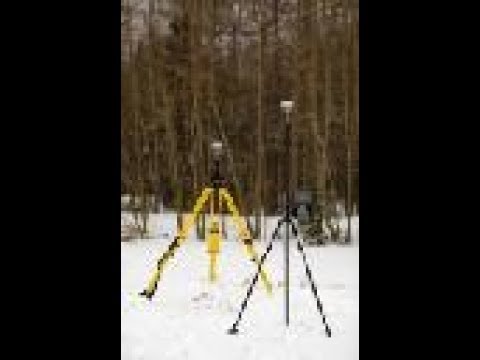
OMG! I should apologize now! This video is way to long! How to set up a R10-2 Base and Rover. Very detailed, and that is why it is so long. […]
Tuesdays Tip – Average GPS Points in Trimble Access
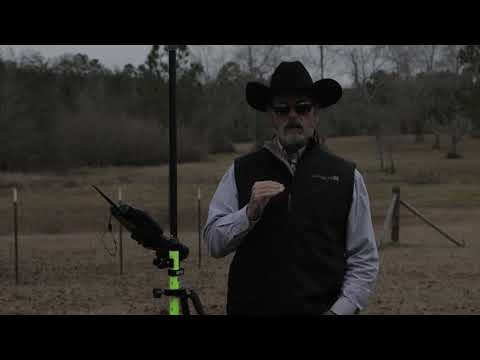
In this tip I am going to show you have to average points in Trimble Access by using the same point number.
Tuesday Tip – GPS offsets with Trimble Access
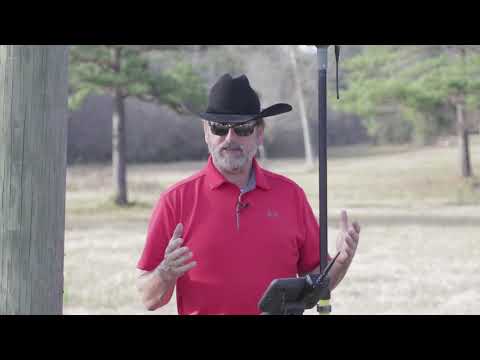
Welcome back to another Tuesday Tip. In this video I show you how to create an offset with your GPS.
Tuesday Tip – Using GPS Search with the Trimble S5 Robot
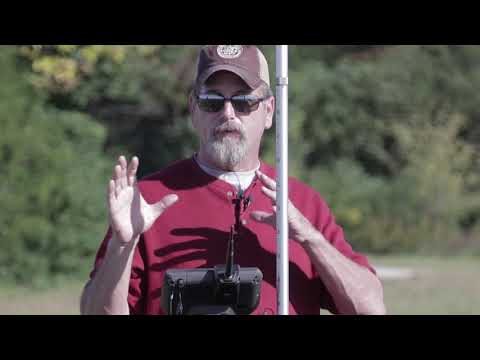
In this tip I show you how to use the GPS Search feature in Trimble Access to locate the prism using a Trimble S5 Robot.
Trimble SX10 Workflow

Trimble SX10 tutoral on using the scanning features on the robotic total station. This video is a little long but full of information. If you are new to the SX10 […]
GPS Site Calibration

In this video we use a Trimble R10 and a TSC7 with Trimble Access 2017.20 to do a site calibration so we can locate the corners on our survey. We […]
Integrated Surveying using a S5 Robot and R10 GPS
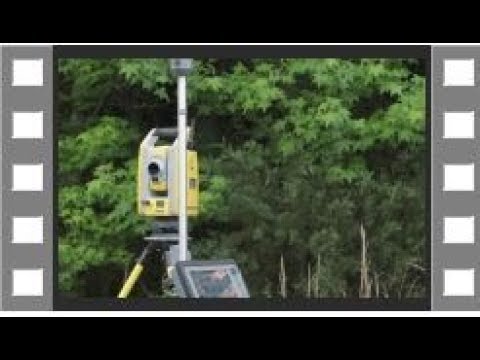
Learn how to use Trimble Integrated Surveying to locate a property corner. Bonus is how well the R10 worked at the end.